
_add OAuth - new UI
Click the pencil icon on the right to edit the configuration for the link you are updating.
In the 'Edit' dialog, set the local authentication for the link under 'Connections':
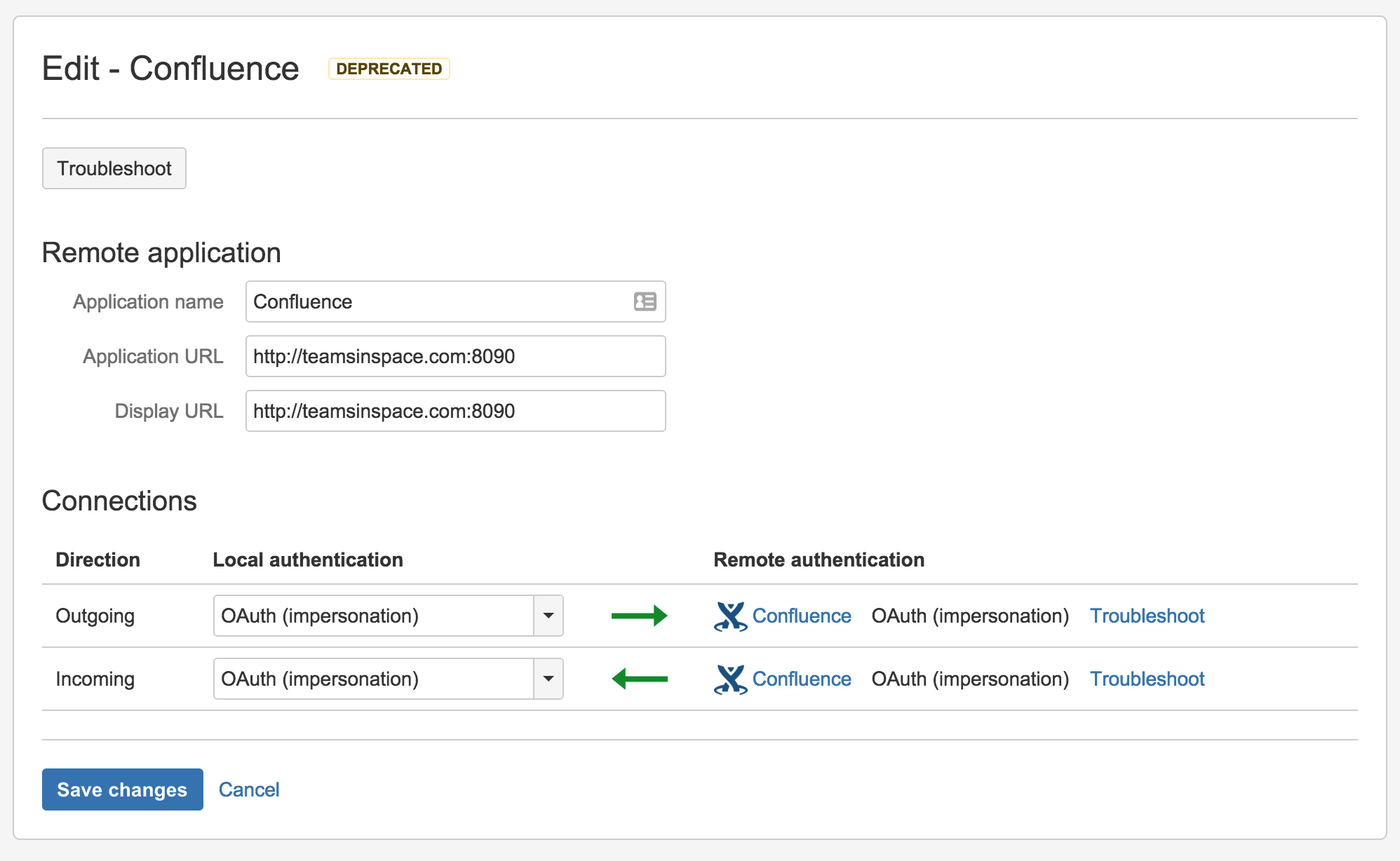
Choose either:
- OAuth can be used where the applications have different userbases.
- OAuth (impersonation) if both applications share the same userbase (typically managed with an external directory using LDAP).
See OAuth security for application links for more information.
Make sure that that the authentication matches for the local and remote ends of both the incoming and outgoing directions.
Click Save changes.
Last modified on May 7, 2020
Powered by Confluence and Scroll Viewport.