[!JIRADL:_Images^jira_ninja.png!]
[!JIRADL:_Images^agile_ninja.png!]
Unknown macro: {kbsurvey}
Hey there! This page is no longer being maintained, but we've created some new and improved resources to replace it. Head on over to our Quickstart site to check them out.
Installing Plugins
Please refer to these instructions for installing plugins.

|

|
|
Status Editor
|
Main Interface
|
Custom workflows are a key feature of JIRA. Using the free plugin JIRA Workflow Designer, you can make creating them a snap.
This plugin allows you to visualize workflows you've already created, as well as create new ones. Its workflow editor makes use of standard diagramming concepts to make editing JIRA workflows quick and easy.
|
|
|
Website Mockup
|
Feature Mockup
|
|
|
|
Mockups in JIRA
|
Online Editor
|
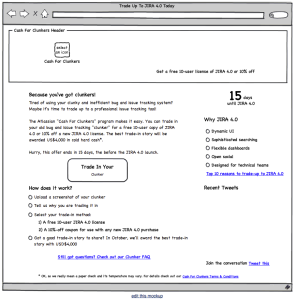
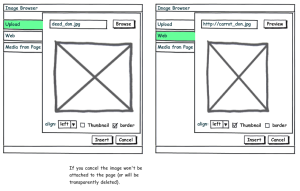
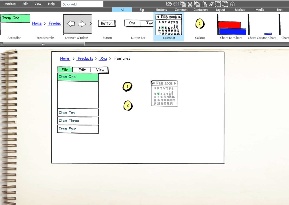
Ever heard the saying 'a picture is worth a thousand words'? Using the Balsamiq Mockups Plugin you can create and visualise mockups of diagrams for proposed layouts of website content, new features, and much more, right within JIRA.
You can reuse a whole bunch of Mockups that have been contributed by the community.

|

|
With the SalesForce connector you can map your SalesForce.com cases to JIRA issues with bi-directional data synchronisation.
JIRA's plugin system makes it easy to customise and extend JIRA for your specific issue tracking, project management and software development needs. The Atlassian Plugin Exchange is the largest plugin ecosystem of any issue tracker.
