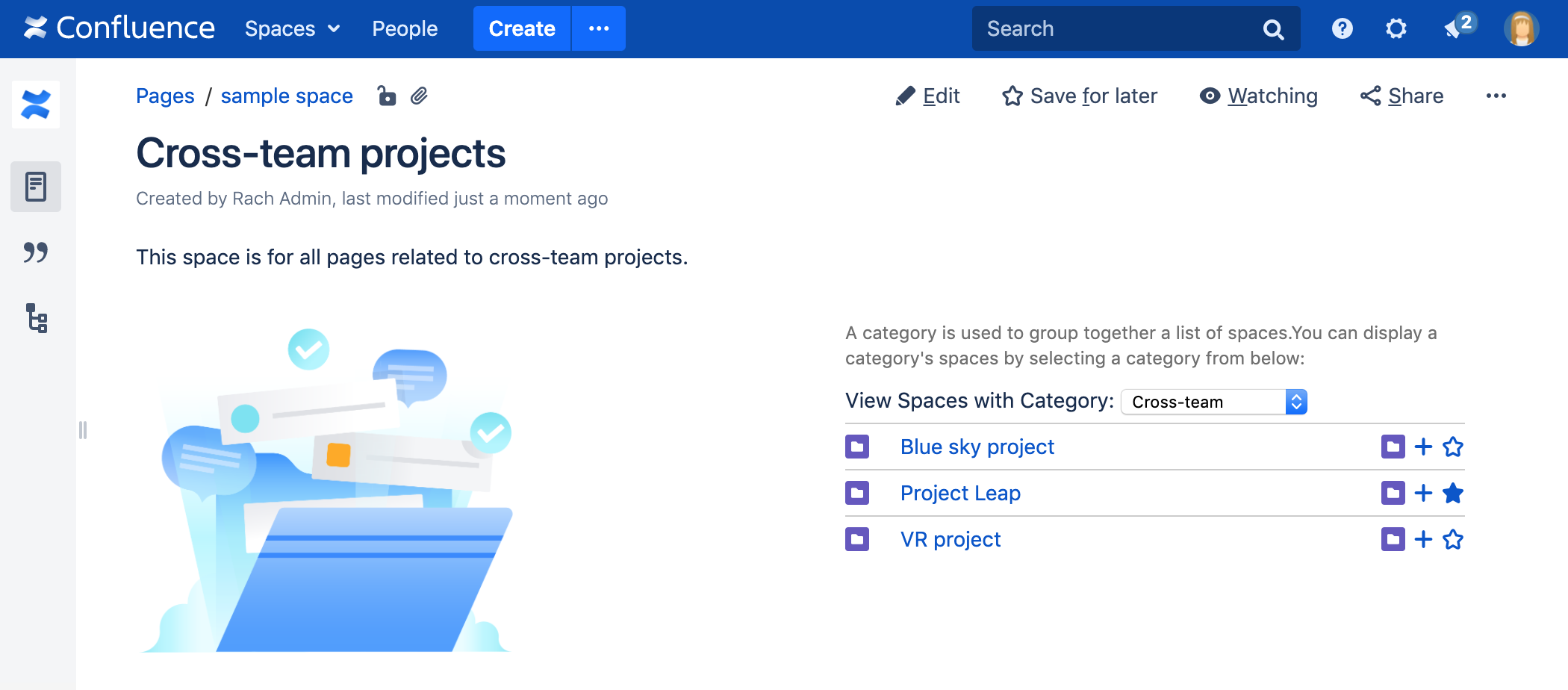
The Spaces List macro is used to display a list of spaces within a page, similar to the list of spaces seen on the dashboard.
Using the Spaces List Macro
To add the Spaces List macro to a page:
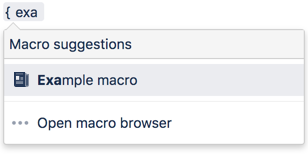
- In the Confluence editor, choose Insert > Other Macros.
- Find and select the required macro.
Parameters
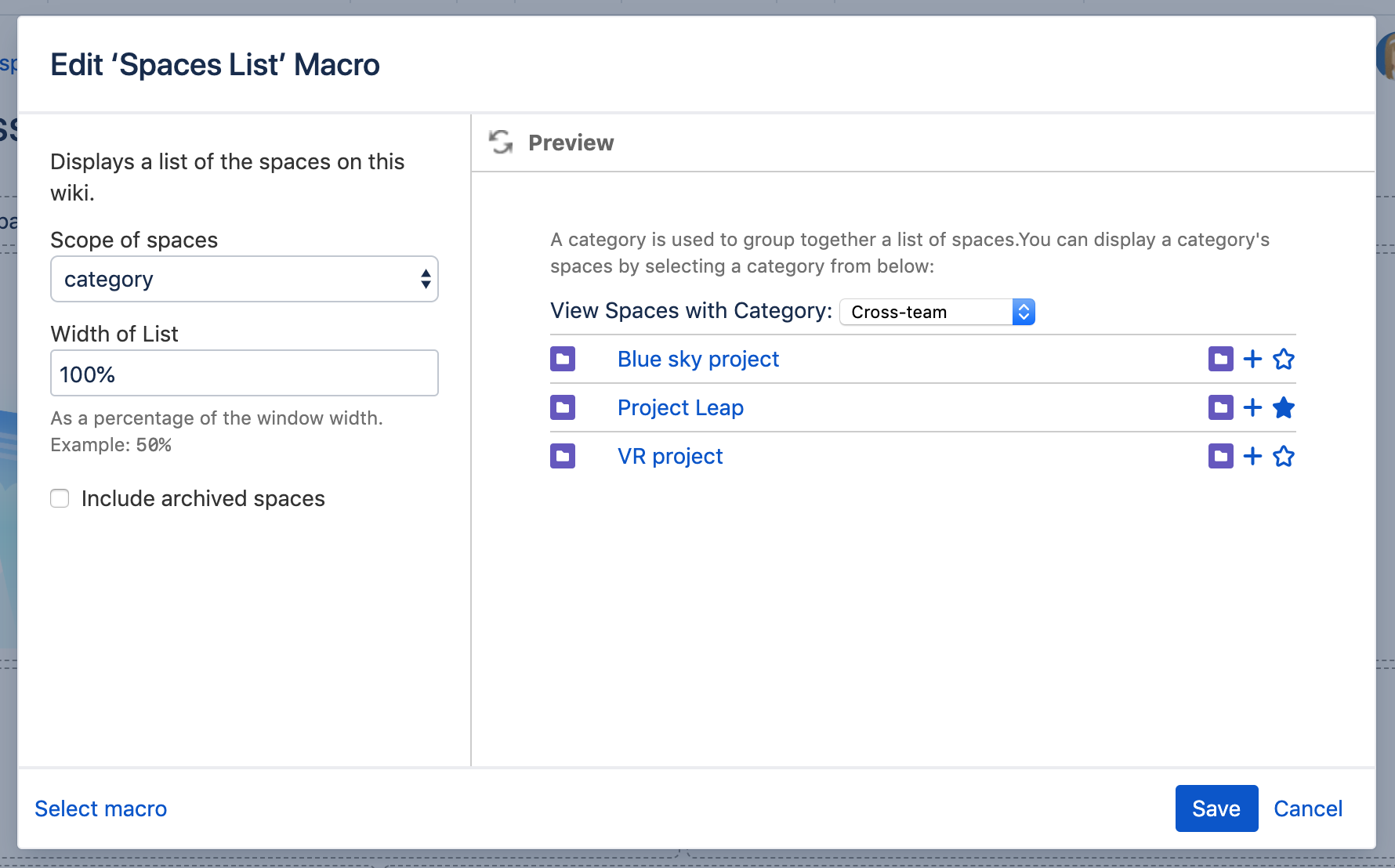
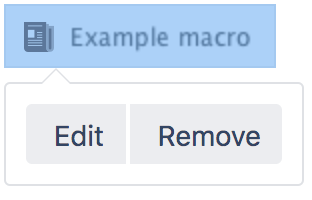
When editing, you can click on the macro placeholder and choose Edit to display the parameters for this macro in the Macro Browser.
Parameters are options that you can set for Confluence macros to control the content or format of the macro output. The table below lists parameters for this macro that can be set in the Macro Browser.
Parameter | Required? | Default | Description |
|---|---|---|---|
Scope of spaces | no | all | Specify the view from which spaces are listed. Available options are:
|
Width of List | no | 100% | Specify the width of the table. The width of the spaces list table, specified as a percentage (%). |
Related Topics
Browsing a space
Creating a Page
Working with Macros
Take me back to the Confluence User's Guide


24 Comments
Hide/Show CommentsDec 14, 2006
Garnet R. Chaney
Need to add a type of "personal" to see a list of the personal spaces.
Feb 02, 2008
Aaron Wallis
Is there any way to render the spaces list without the tabs and extra interface?
We've only got about 5 spaces in our wiki and i'd love to have a "quick list" in a side panel
Feb 03, 2008
David Peterson [CustomWare]
The Reporting Plugin will let you do that (and more). Something like:
{report-list} {space-reporter} {text-sort:space:name} {space-reporter} {report-body}{report-info:space:name|link=true}{report-body} {report-list}Dec 15, 2008
Stefan Baader
David, a good proposal. It seems that the original spaces macro is quite slow to render when 150 or more space are listed. With the space-reporter it renders much quicker.
Stefan
Oct 08, 2008
Tracy Adams
I'd like to change the dashboard page so that the descriptions aren't rendered with the space names. Is there a way to not display space descriptions?
Oct 16, 2008
Azwandi Mohd Aris [Atlassian]
Hi Tracy,
The space list on the dashboard is built using the {spaces} macro of Confluence Dashboard Macros. As far as I am concerned, you can try to modify
spacelist-drawspacerows.vmto exclude the space description. The file is located at:<confluence-install>/confluence/template/includes/spacelist-drawspacerows.vm<confluence-install>/confluence/WEB-INF/classes/com/atlassian/confluence/setup/atlassian-bundled-plugins.zip/confluence-dashboard-macros-1.4.2.jar/com/atlassian/confluence/plugins/macros/dashboardPlease note this may require some knowledge in HTML and Apache Velocity. Hope that helps.
Cheers,
Azwandi
Oct 31, 2008
Tracy Adams
Perfect - worked like a charm - Thanks
Aug 26, 2009
jamiep77
Hi,
I am trying to customize the space list that shows up on the dashboard so that a space with a particular spacekey will NOT show up in the list. I was thinking of using an IF statement somewhere in the Velocity file that creates the list of spaces, and thought that file might be spacelist-drawspacerows.vm. But, I'm not finding a file with that name. What file stores the list of spaces in Confluence 2.10.3 (on Tomcat)?
Thanks,
Jamie
Oct 17, 2008
Anonymous
Having a tab option for Favorites would also be great.
Oct 22, 2008
Azwandi Mohd Aris [Atlassian]
Hi,
If you are keen on this feature, I would suggest you to raise an improvement request at it's issue tracker http://developer.atlassian.com/jira/browse/DASHMACROS
Cheers,
Azwandi
Nov 16, 2009
Anonymous
Hello,
I have my template designed in such a way that there is a drop down menu which lists all the spaces there. But what I essentially want is to see only spaces related to specific teams? Is there a way to do that?
Thanks,
Tejas
Jan 05, 2010
Anonymous
Hi,
I'm trying to use {spaces:myteamlabel} (or {spaces-list:myteamlabel} but this would show 4 different tabs: my, new, all, and team. Isn't it possible to show just the team label?
Thanks,
Susana
Jan 05, 2010
Giles Gaskell [Atlassian Technical Writer]
Hi Susana,
As described in the 'Parameters' section on this page, you can restrict this macro to show only the 'team' tab by using the wiki markup syntax:
{spaces:team}
(i.e. you just need to add the 'team' value to the macro's wiki markup syntax)
Alternatively, if you want to avoid wiki markup syntax, you can insert this macro (with this parameter value) using the macro browser. (In the macro browser, this macro is called, unsurprisingly, "Spaces List".)
When viewing this macro in the macro browser's 'preview mode', select 'team' in the 'Scope of spaces' parameter before inserting it on the page.
I hope this information helps.
Kind regards,
Giles Gaskell.
Mar 16, 2010
Stacy Shenker
there used to be a listspaces macro that would list all the space admins but it does not seem to be working in 3.1.2. Is there a replacement?
Mar 17, 2010
Jack Low [Atlassian]
Hi Stacy,
Do you have any documentation reference for listpaces macro? I can't seem to find it from any of our documentation, nor google. Currently, this feature is not support in Confleunce UI, however, the space admin can be retrieved from database via sql query:
Group level
or
individual level
Hope it helps. Please feel free to ask again if you need further assistance.
Thanks & regards,
Jack
Jun 17, 2010
Anonymous
Oops! Tags are going mad!
Full text here:
Say please, what file in Confluence 3.2 may I modify to change an appearance of spaces macros? And where can I find this file?
In instance, I want to remove "favorite-space" stars and make my own tabs for spaces of group 1 and group 2 (not just all / favorites).
Thank you.
Sep 15, 2010
Dhyana Scarano
Favorites stars disappear when displaying spaces by label:
When I use the macro {spaces} or {spaces-list} 3 little action icons appear next to each space (Browse Space, Add Page, Favourite).
But when I limit the macro to a particular label, like this: {spaces:labels=blog}, the 3 icons don't appear next to the spaces in the list.
Can you please help? Or can you please suggest another way to easily favourite a space other than using the {spaces} macro and showing a list of all spaces.
Thanks
Dee
Mar 20, 2011
Dhyana Scarano
Is it possible to limit the "scope of spaces" using more than one tab?
i.e. I want to show the "My", "New", and "All" tabs, but not the "Team" tab.
Mar 21, 2011
Anonymous
Dhyana, Did you resolve the previous issue.
"When I limit the macro to a particular label, like this:
Mar 24, 2011
Anonymous
After upgrading to Confluence 3.5 I have problems with the spaces macro.
First, there seems to be no German text for "spaces.groups.word", because that Tag is shown.
The more serious problem is, that I get a JavaScript error when clicking on the tabs. It says that the method "gotoUrl" is not defined. I get this error whis IE7 and Firefox 3.6.
Mar 24, 2011
Anonymous
Problem solved! I deactivated the subspace-plugin. Now everything is fine
Aug 10, 2011
John Brandt
Would be very nice to have the icon next to the space names be the space-logo if it is enabled. Any idea if this is possible?
Sep 09, 2011
Anonymous
Accidentally I tried sth. like this on Confluence 3.5.x
A hidden parameter to filter according to space labels (not category)? The result is a list of all spaces with this space label and the scope parameter "category" is ignored. What happens exactly?
Sep 09, 2011
Anonymous
In addition, what is the most simple (build in) way to list all spaces for a specific category (formerly know as team labels and used in that way). Thx!
Add Comment