
_gliffyConfiguringaPlan
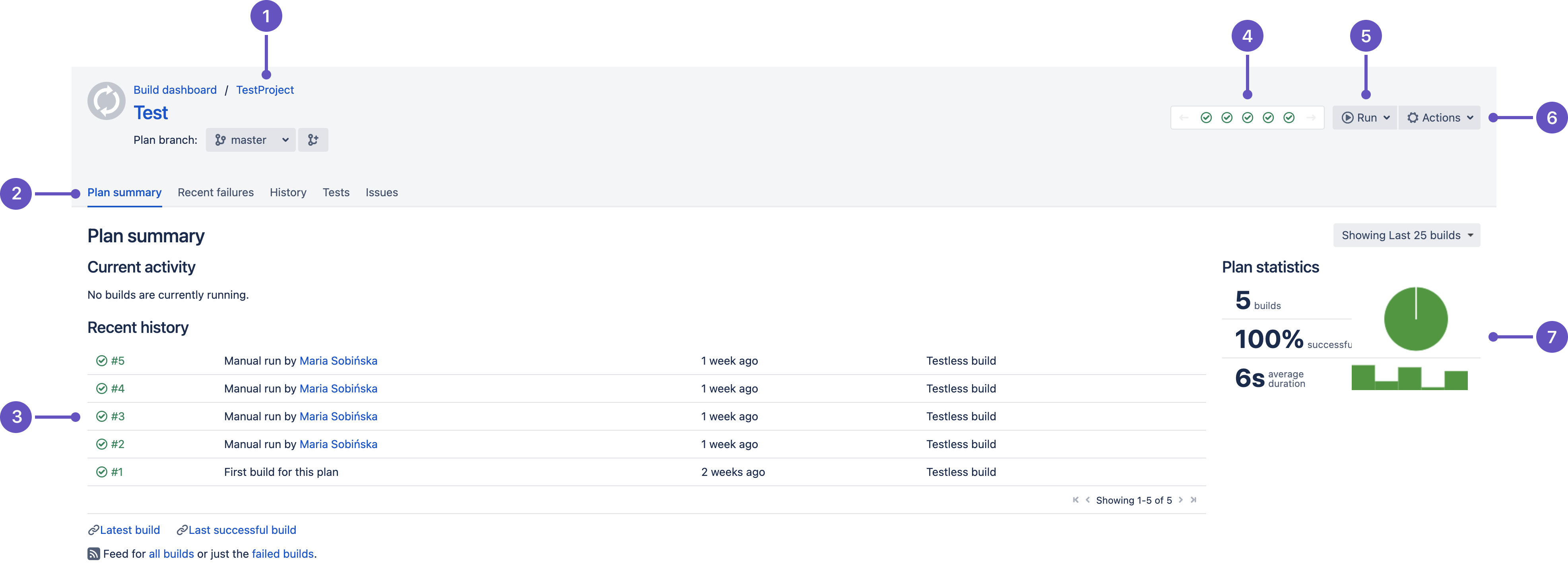
- Navigation: Select the project to view a summary of its plans.
- Tabs: View further details for the plan.
- Current activity and recent history: See whether the plan is building. Shows results for the ten most recent plan builds. Select a build number to view that build result.
- Plan status: Icons show if the plan is building and the status of recent builds. Select an icon to see the build result.
- Run menu: Select options for running the plan, e.g., run a parameterized build.
- Actions menu: E.g., Configure plan or Disable plan.
- Statistics and charts: For the build history of the plan.
Last modified on May 14, 2021
Powered by Confluence and Scroll Viewport.