
_upgrade_beforeyoubegin_eligible
To check if software maintenance is current for your license, go to Administration menu  , then General Configuration. Select License Details on the left panel to verify the license support period has not expired.
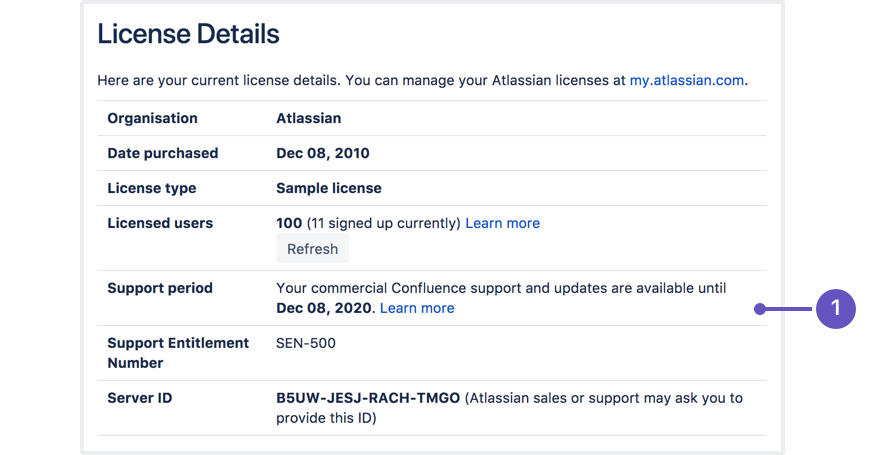
- Software maintenance: upgrade at any time during this period.
If your support period has expired, follow the prompts to renew your license and reapply it before upgrading.
Last modified on Aug 5, 2025
Powered by Confluence and Scroll Viewport.